

- TAKE THE TOUR
With Allpro SchedulePro, cut your administration time in half. You can eliminate wasted time by entering information only once and by using a faster and more accurate scheduling process.
 LEARN MORE
Time is Money
LEARN MORE
Time is Money -
Eliminates double entry of Customer and Job specific information.
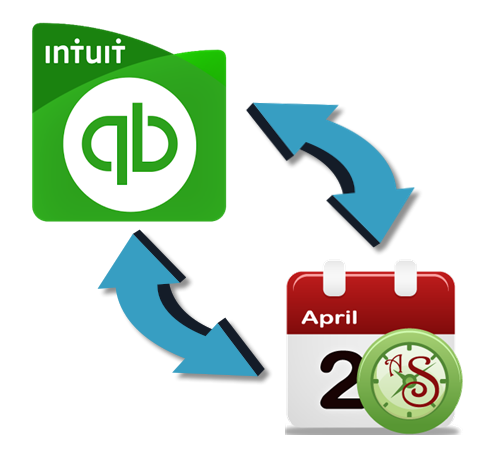 QuickBooks IntegrationTAKE THE TOUR
 - TAKE THE TOUR
Allpro SchedulePro is ideal for healthcare offices, beauty salons, cleaning services, contractors, room bookings, trucking companies, employee management or any other company that maintains a daily schedule!
 LEARN MORE
Ideal for Many Industries
LEARN MORE
Ideal for Many Industries -
Allpro SchedulePro allows you to manage all of your appointments, customers, tasks, and much more! Our scheduling software also allows you to manage employee information and time sheets.
 Manage Your BusinessTAKE THE TOUR
ALLPRO SCHEDULEPRO
Allpro SchedulePro automates the time consuming process of maintaining your company's schedule, customers, and managing your tasks. Allpro SchedulePro allows you to easily manage an unlimited quantity of resources which will lead to an increase in productivity and a decrease in scheduling conflicts. Stop wasting time trying to manage your schedule with an inefficient paper system. Our scheduling software guarantees you will be more productive from day one! Allpro SchedulePro is more than just a scheduling program!
Allpro SchedulePro allows you to manage all of your appointments, customers, tasks, and much more! Allpro SchedulePro is a scheduler with Full QuickBooks Integration.

Synchronize your customer data with QuickBooks so you never enter duplicate data or use the Stand Alone version.

Faster and more accurate scheduling process, easily look at a single resource or your entire company schedule.

Easily maintain your customer data and review their previous appointments.

Built for strength and longevity. The database is built using Microsoft SQL Server.
Time is money!
- Literally cut your administration time in half
- Eliminate wasted time by entering information only once
- Faster and more accurate scheduling process
- Easily look at a single resource or your entire company schedule
- Manage your tasks more effectively by using our innovative Notebook/Subject/Task solution
- Take your calendar home with you and synchronize your data when you come back into the office
- Synchronize your customer data with QuickBooks so you never enter duplicate data
- Easily maintain your customer data and review their previous appointments
- Manage your employees and employee time sheets

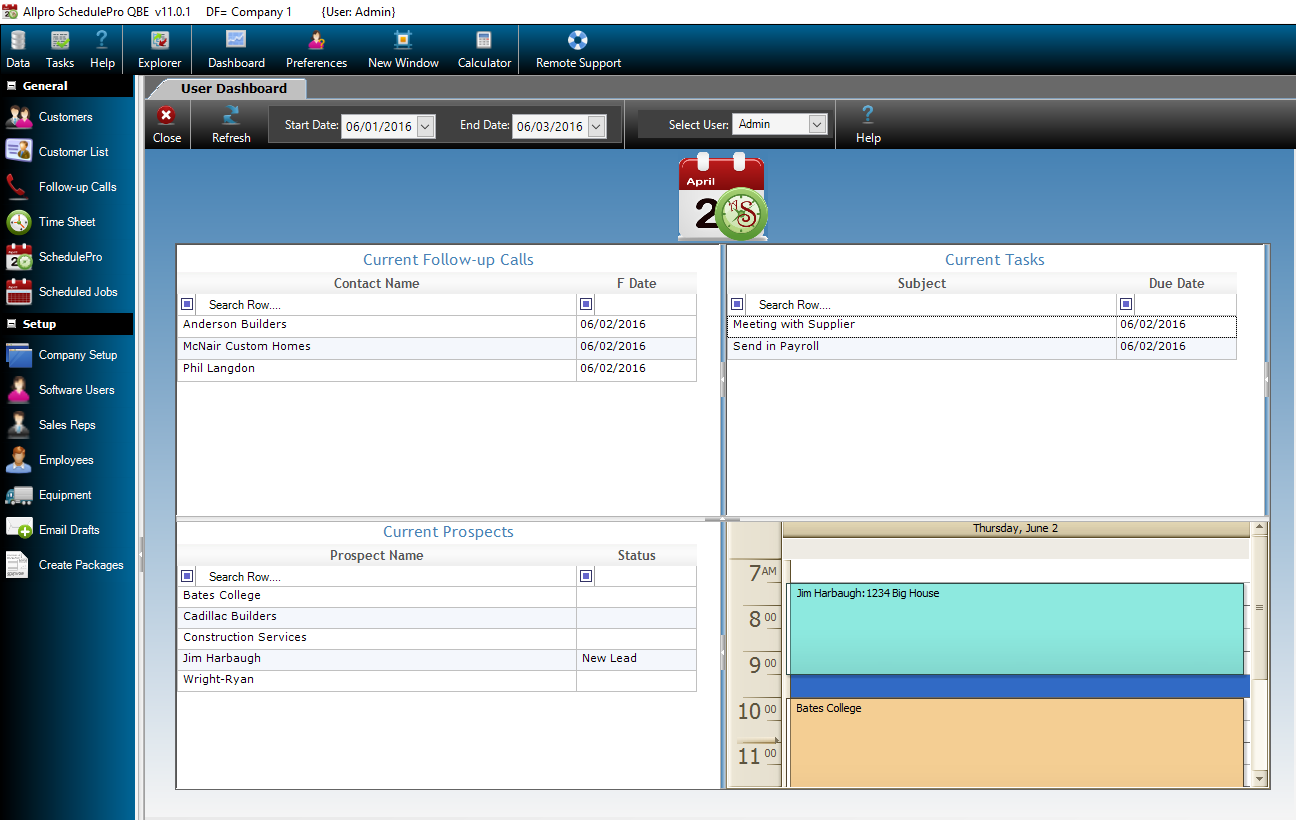
Two Editions to Choose From
Allpro SchedulePro is available in two editions.

Allpro SchedulePro QBE (QuickBooks Edition)
The QuickBooks Edition allows you to import all of your existing customers and jobs into Allpro SchedulePro so you can easily associate a customer with your appointments. You also have the ability to create customers and jobs in Allpro SchedulePro and then export them to QuickBooks. This simple technology allows you to harness all of the benefits from QuickBooks and Allpro SchedulePro without having to waste time entering the same data in two locations. You will also greatly cut down on the amount of typing errors that often occur when entering the same information in multiple locations.

Allpro SchedulePro SAE (Stand Alone Edition)
The Stand Alone Edition has the same features as the Allpro SchedulePro Quickbooks Edition, except for the Quickbooks Integration.

Premium support
Allpro Technology prides itself in providing support for all of its products and services by email, phone or remote connection. Allpro Technology will help from the initial install of Allpro SchedulePro, through the setting up of the program and whenever you need us after that. Support staff is available Monday thru Friday 9-5.